

1
Start the connection
During onboarding, you’ll see the Connect your socials screen. Click Connect with Instagram. You’ll be redirected to Instagram’s authorization screen.
2
Approve both permissions
Instagram will ask you to approve two permissions: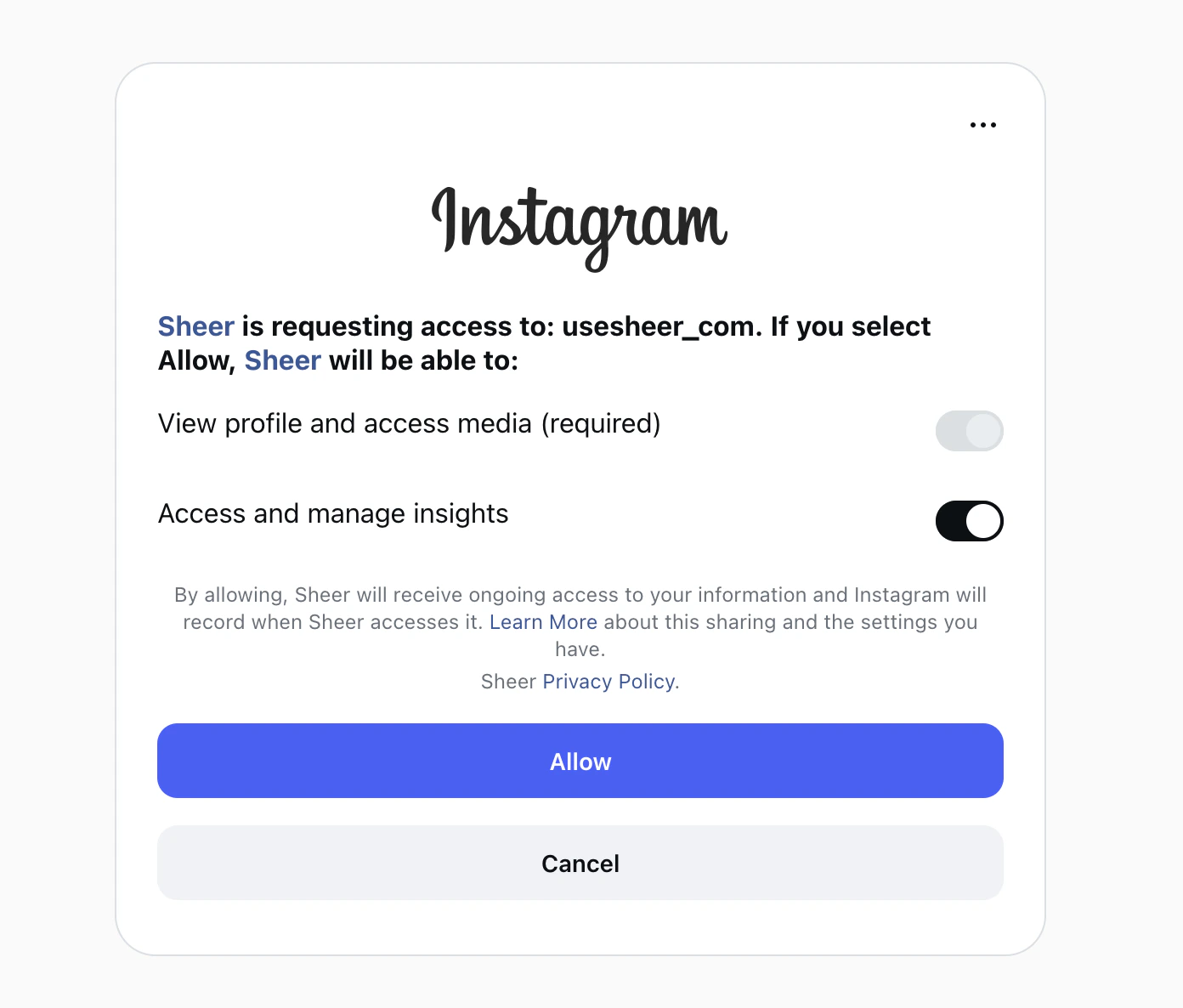
- View profile and access media — required, always on.
- Access and manage insights — required, you must keep this toggled ON.
3
Click Allow
Click the Allow button. Sheer will start pulling in your data.
That’s it — your Instagram is connected. Data typically appears within a few minutes.