

- Use Verified Search to confirm your creator is signed up on Sheer.
- Validate that influencer data matches your campaign strategy by having direct access to their Mediakit.
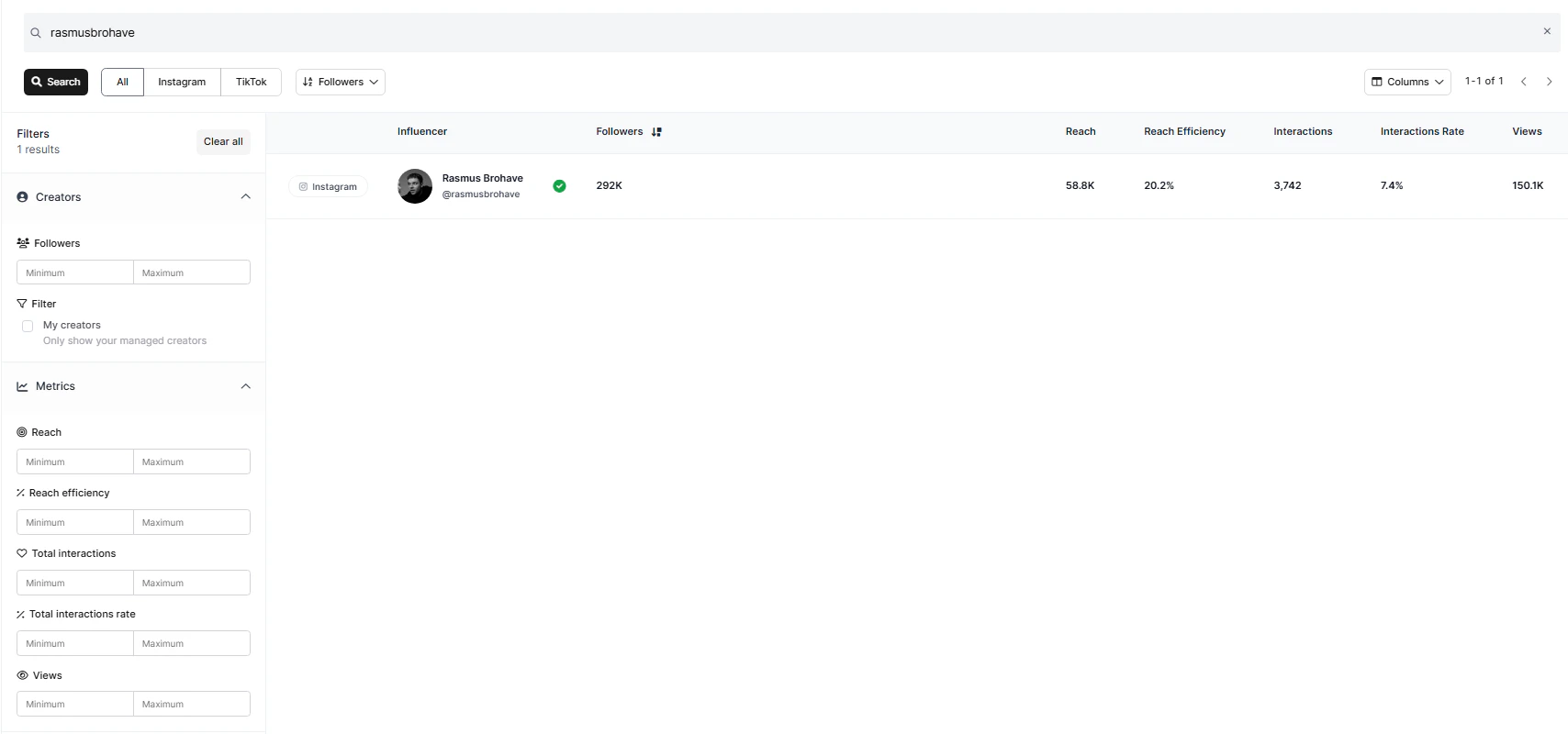
Influencer connection status in Verified Search
Below are the different types of connection status’ in Sheer Verified Search to help you understand if a creator is properly connected.- Connected - Sheer reads the creator’s stats and they update daily.
- Missing permissions - The creator connected but turned off a permission Sheer needs, so stats don’t update.
- Reconnect required - The platform no longer accepts Sheer’s access, for example after a password change. The creator must reconnect.
- Not connected - The creator has a Sheer profile but no social account linked to it.