

Use a laptop or desktop computer.
Before you start
Make sure your social accounts are ready:Instagram: a professional account (Business or Creator)
Instagram: a professional account (Business or Creator)
Sheer can only read stats from Instagram professional accounts. Personal accounts don’t expose insights. If you’re unsure, see Switch to an Instagram professional account.
TikTok: your login details
TikTok: your login details
Any TikTok account works. Have your username and password ready, or your phone if you log in with a code.
YouTube: the Google account that owns your channel
YouTube: the Google account that owns your channel
You’ll sign in with Google. Use the Google account that owns the channel you want to connect.
Create your account
1
Enter your email
Go to app.usesheer.com/auth/login, type your email and click Continue. Use an email you check regularly. You’ll need it every time you log in.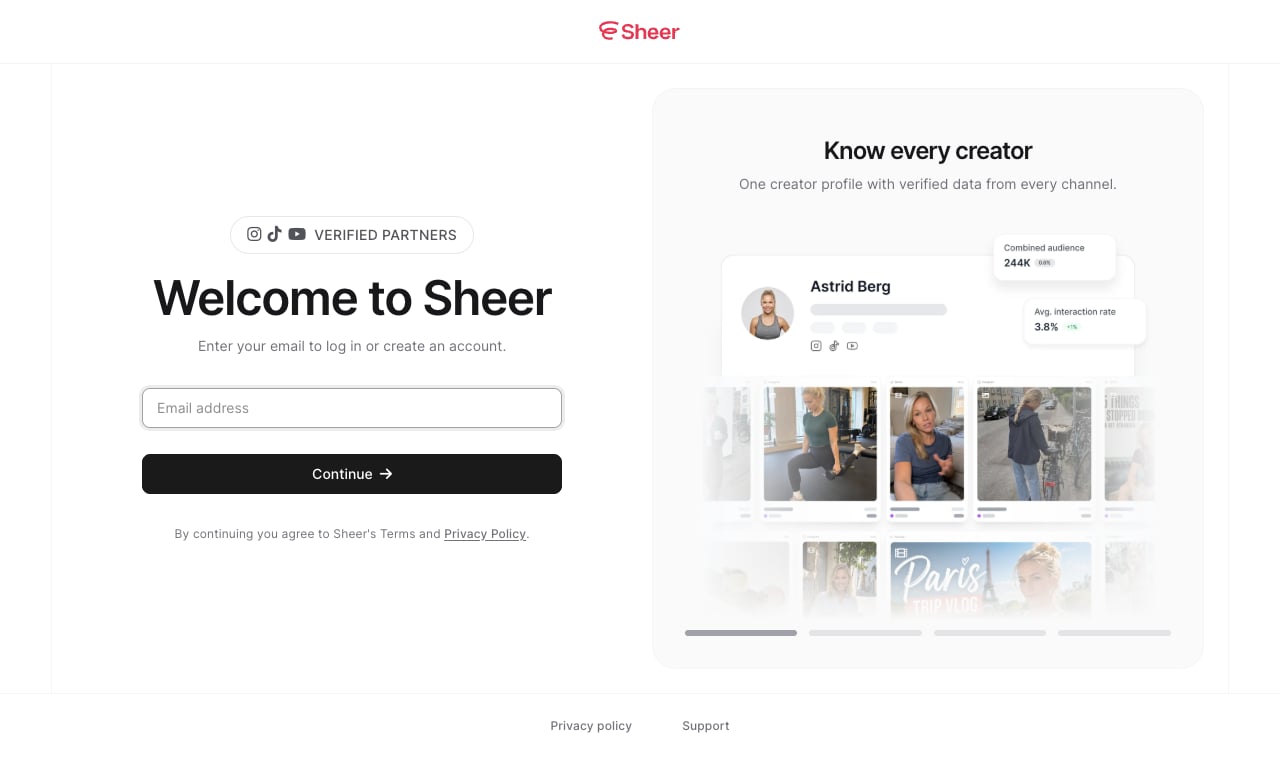
2
Enter the code from your email
We send you an email called Your Sheer login code. Either click Log in to Sheer in the email, or type the 6-digit code into Sheer and click Verify and continue. The code expires after 15 minutes.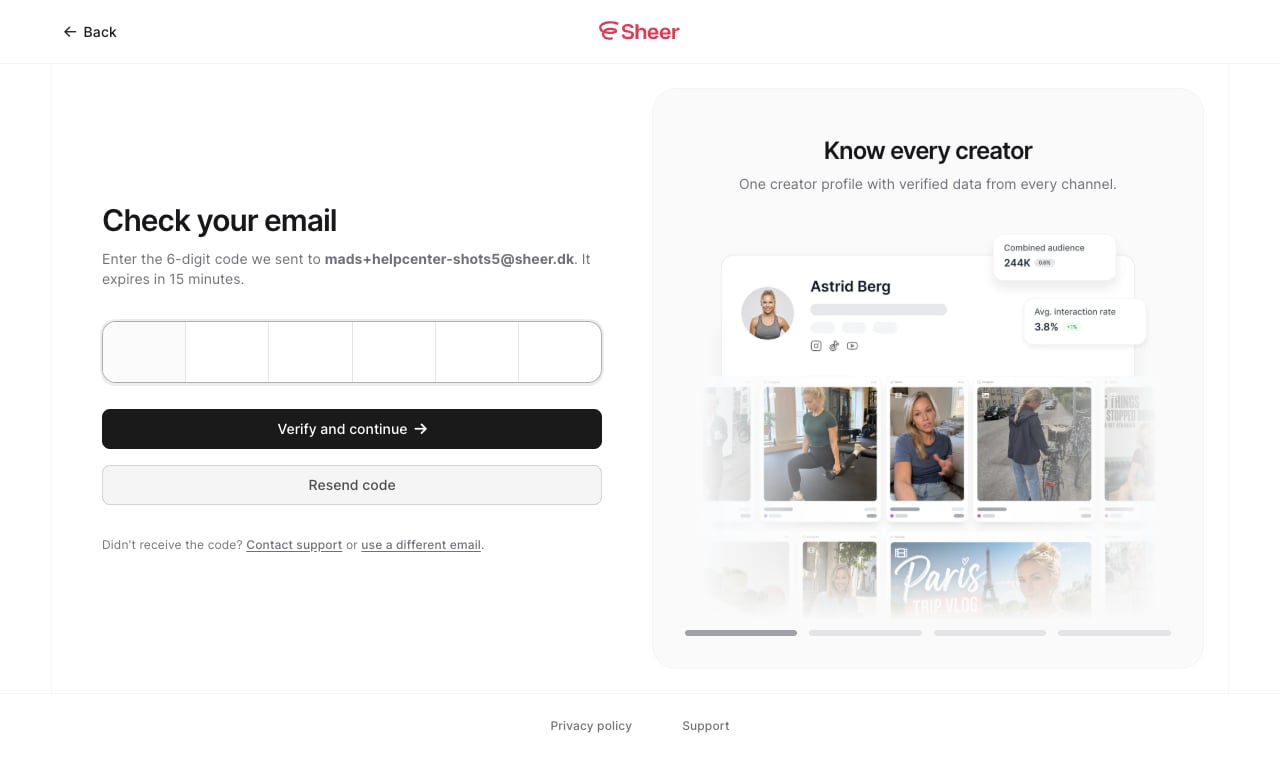
No email? Check your spam folder, then click Resend code. If it still doesn’t arrive, email support@usesheer.com.
3
Add your name
Type your name. You can add a profile photo here too, or do it later.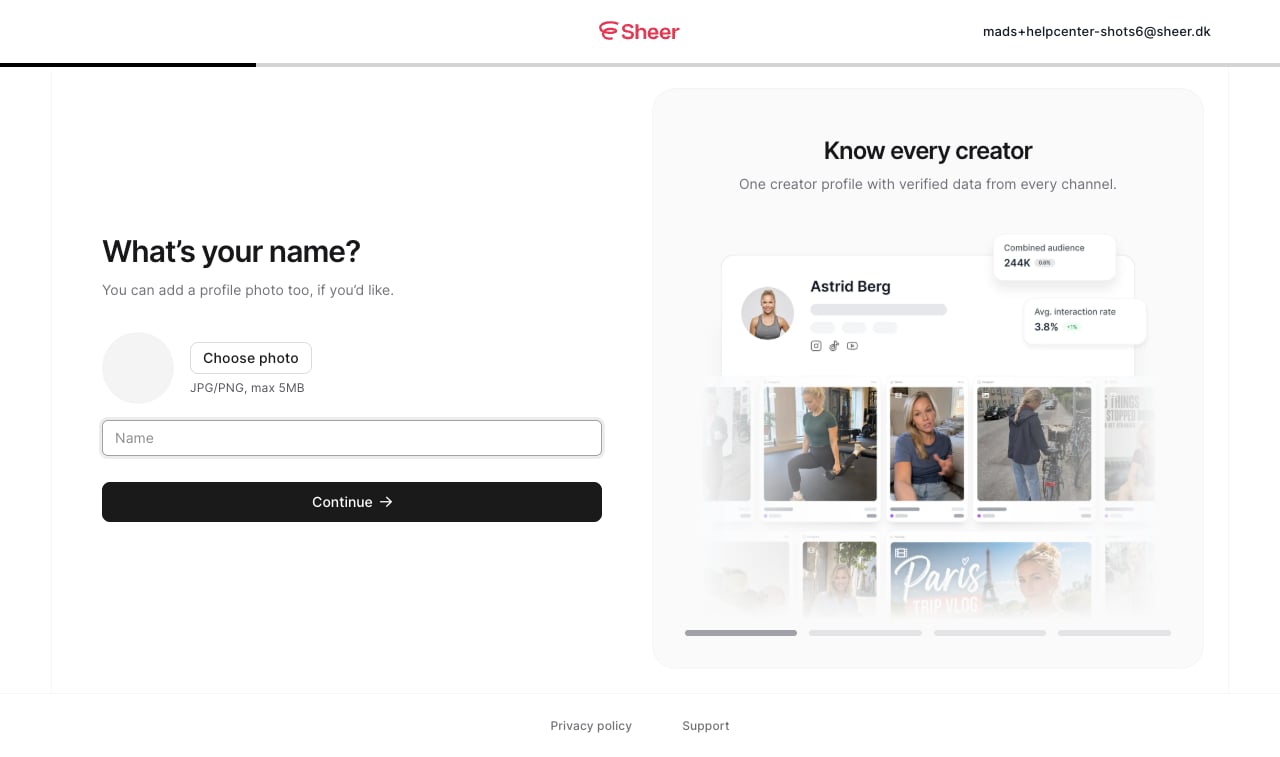
4
Choose Creator
Sheer asks what brings you here. Pick Creator and click Continue.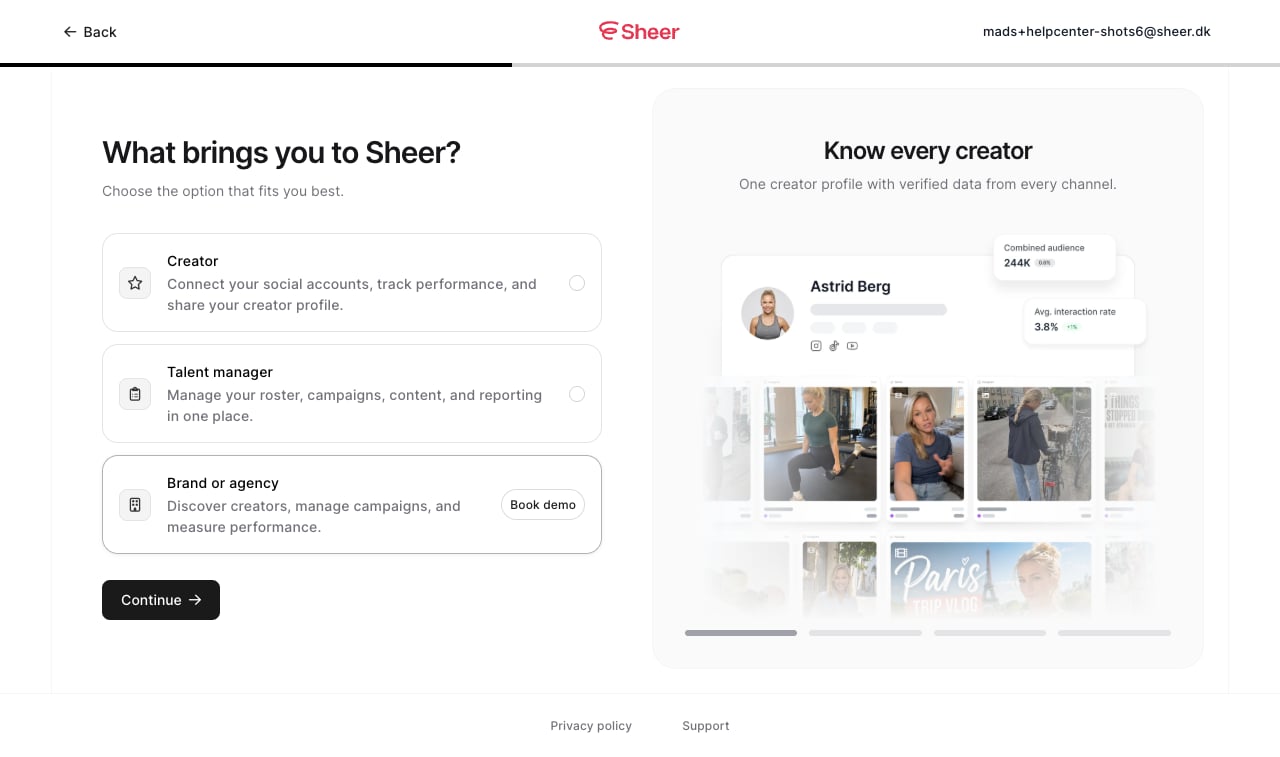
5
Connect at least one social account
Click Connect next to Instagram, TikTok or YouTube. You need at least one to continue, and you can add more later. Follow the guide for each platform: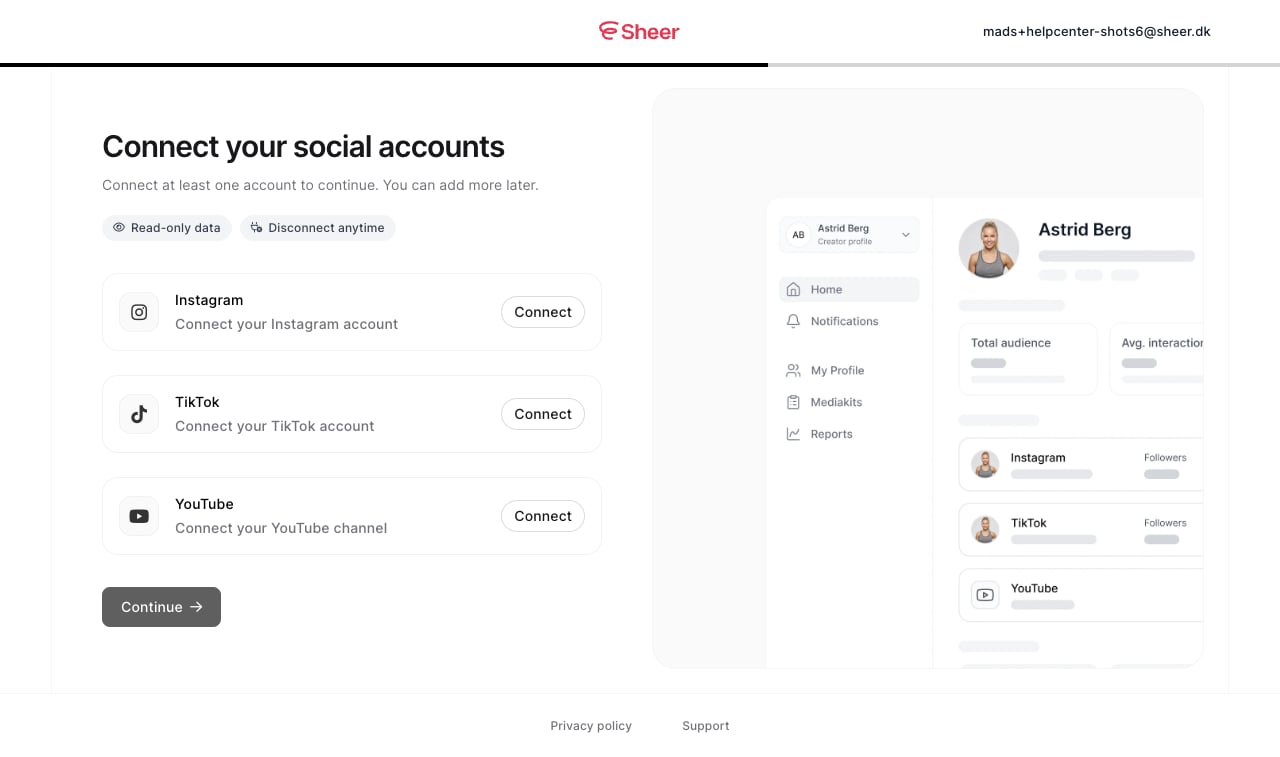
6
Go to your dashboard
When a connection succeeds, the Continue button turns active. Click it, then Go to your dashboard.
You’re in. Next, complete your creator profile so brands can find you.